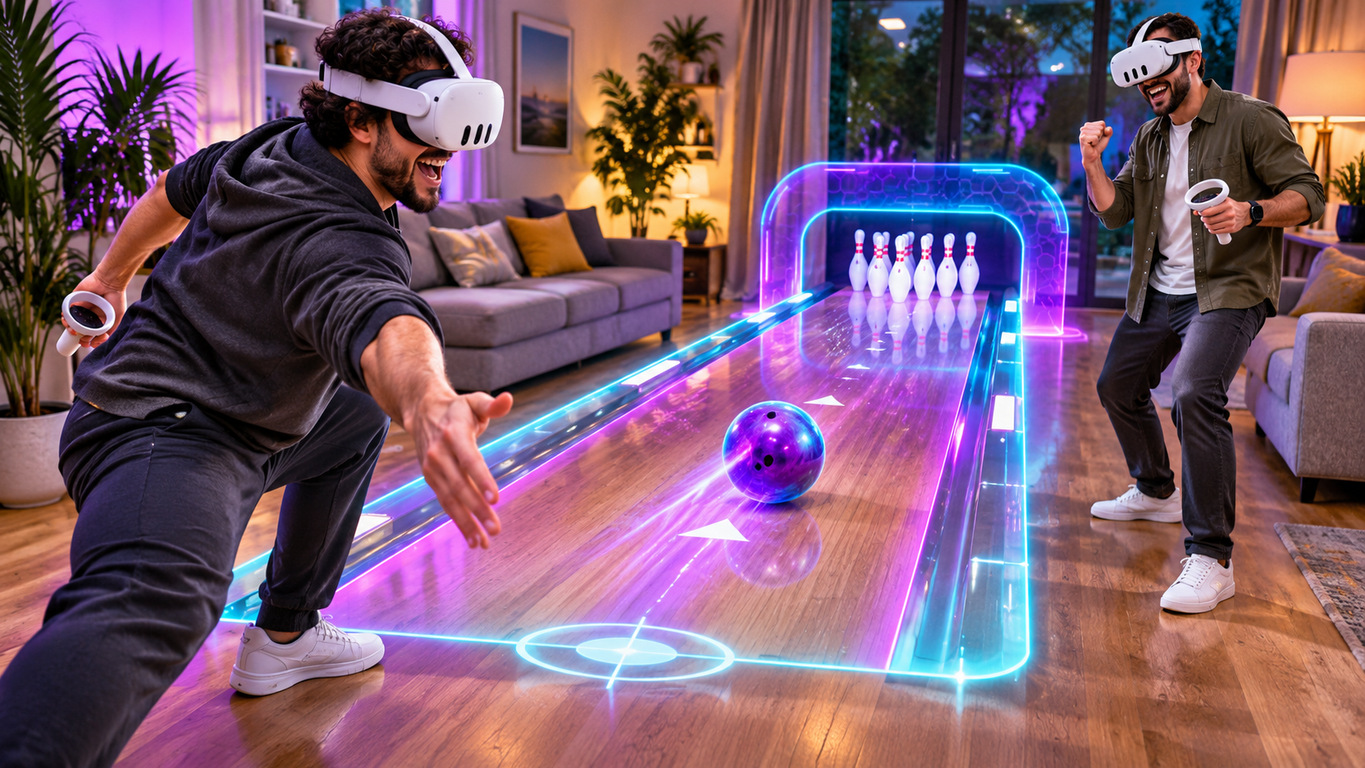
Imagine two friends putting on Meta Quest headsets in the same living room. Both see a virtual bowling lane in exactly the same place, and a ball thrown by one player moves towards the pins for both. That is the promise of colocation in mixed reality gaming: sharing digital content while occupying the same physical space.
Here is how shared-space play works and what players should expect.
1. Colocation Means Sharing One Physical Play Space
In ordinary online multiplayer, players can be in different homes and still meet inside the same virtual game. Colocated multiplayer adds a physical requirement: the players are together, and the virtual objects appear in corresponding positions around them.
Picture a digital board on your coffee table. You see it from one side; your friend walks around and sees the other side. You can point to the same piece from different angles.
Not every multiplayer game supports this. Our guide to mixed-reality multiplayer games compares several options, including online and same-room experiences.
2. How Do Two Headsets See an Object in the Same Place?
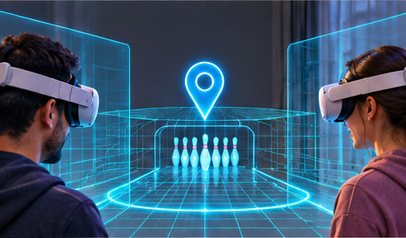
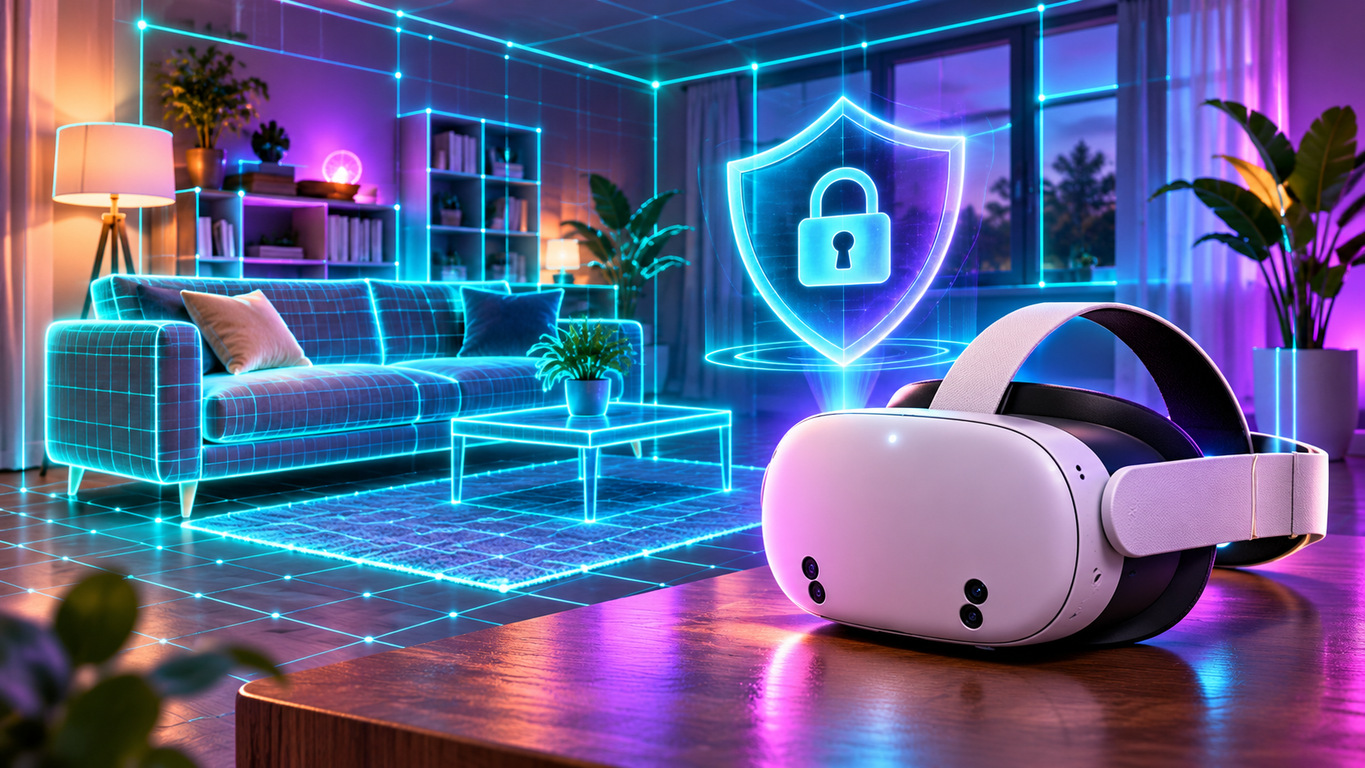
Each Quest headset tracks its own position. Without alignment, each device might place the lane somewhere different. Developers solve this using a common reference point, often called a shared spatial anchor.
Typically, the game forms a group and aligns headsets using a shared anchor. Separate networking then keeps actions such as moving a ball or updating a score consistent. Sharing an anchor alone does not synchronise gameplay.
Meta documents these steps in its colocation overview. If you would like the broader explanation of anchors and passthrough, see how mixed reality games work.
3. Colocation and Online Multiplayer Are Not the Same
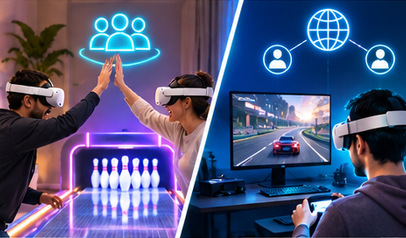
A game may support online rooms without lining up its virtual objects with a shared real-world location. Equally, a colocated activity may use networking to synchronise play even though everybody is standing together.
Online play solves the problem of connecting players and exchanging game actions. Colocation additionally solves the problem of agreeing where the shared virtual scene belongs in the physical room. One does not guarantee the other.
That distinction matters when inviting friends. Look for explicit same-room or colocated support, rather than relying on the word “multiplayer” in a store listing. Check how to join and what equipment each player needs.
4. What Does a Shared-Room Session Need?
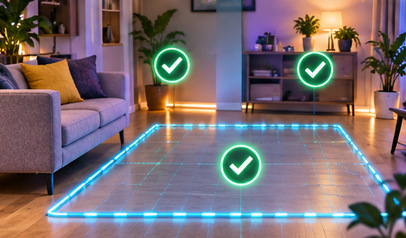
Requirements depend on the game, but a comfortable first session usually starts with compatible headsets, the same supported app version and enough room for everyone to move safely. Players then follow the game's session and alignment prompts.
Check that the shared content appears in a sensible place from each player's viewpoint before starting. If content appears offset, follow the game's realignment instructions.
Keep a clear area between players, use controller straps where supplied and agree who will move where. Headsets have limited views of the real world; other people can become unexpected obstacles. Our room setup guide offers practical safety checks.
5. Why Shared-Space Game Design Is Challenging
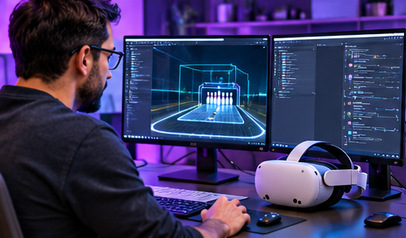
Good colocation is more than showing the same 3D model twice. A game must account for different starting positions, tracking accuracy, connection delays and disagreements over which device controls an object or updates the score.
Developers also need to design for real bodies sharing the same space. Even aligned targets can lead players towards each other. Testing several headsets together in ordinary rooms is therefore important.
Meta's Photon Fusion colocation example separates discovery, connection and spatial alignment. Nexus Dev Studio, the team behind Nexus Arcade, works on VR and mixed-reality development where practical spatial interaction and headset testing shape the experience.
6. What Could Colocation Bring to an Arcade?
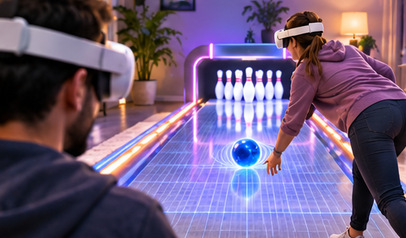
Bowling makes the appeal easy to picture: friends gather around one virtual lane, take turns and react together when the pins fall. Tabletop games can create a similar shared experience.
Nexus Arcade's Tenpin offers a useful example of room-based bowling and turn-taking as a game concept. However, do not assume that every Nexus Arcade mode currently offers colocated play; check the options in the installed release before arranging a same-room session.
The attraction is playing with someone physically beside you.
Colocation connects shared virtual play with a shared real room. Online networking communicates what players do; spatial alignment helps them agree where it happens. When both are handled well, mixed reality can become a more social kind of gaming.
Interested in room-based arcade experiences? Download Nexus Arcade on the Meta Horizon Store for Quest 3 and Quest 3S and explore its four game modes.