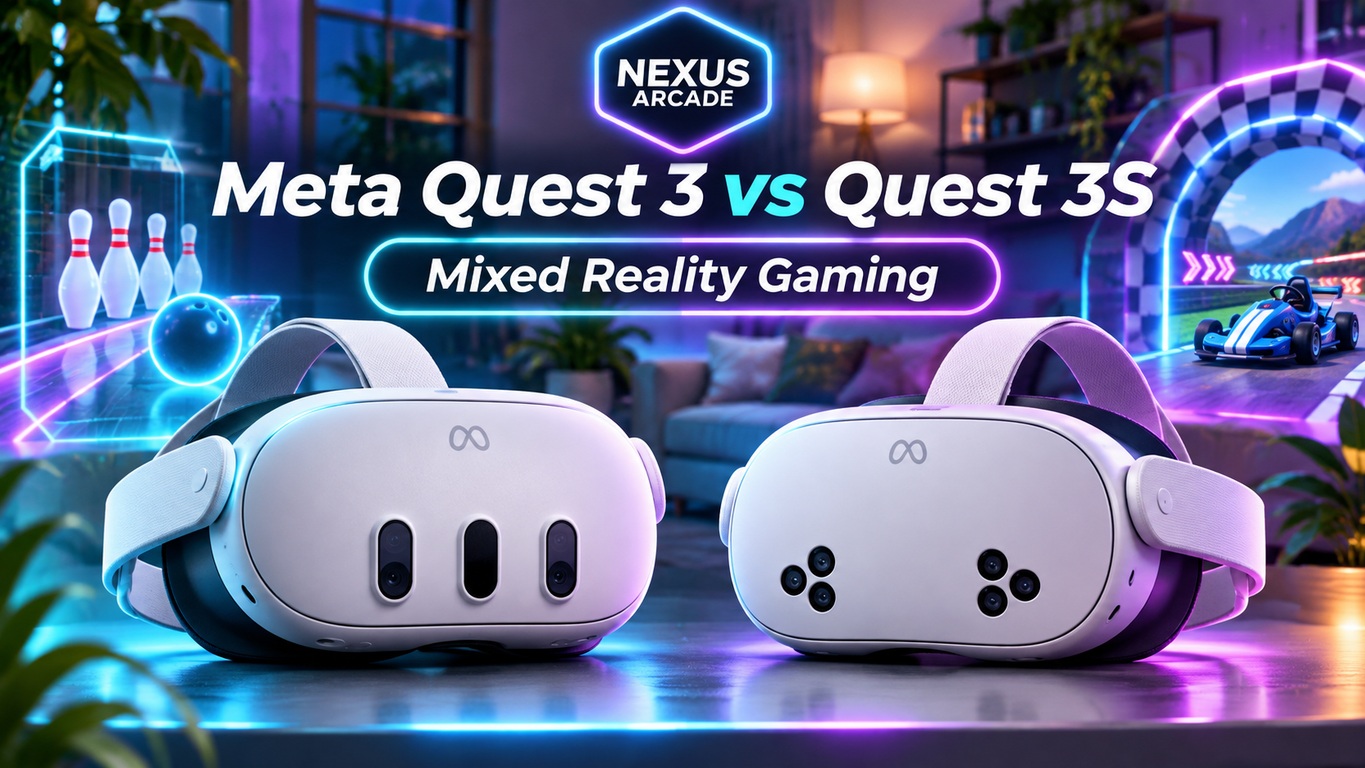
Choosing between Meta Quest 3 and Quest 3S can be confusing when both promise mixed reality in your living room. They share much of the technology that runs games, but they do not look or feel identical through the lenses. If you want to bowl beside your sofa, throw punches at virtual mitts or launch a race through a portal, which headset makes more sense?
This practical comparison focuses on what you will actually notice in games, rather than a long list of specifications. It also explains why both headsets can run Nexus Arcade, a free mixed-reality arcade with four different experiences.
1. Both Headsets Run the Same Core Quest Games
Here is the reassuring part: both headsets use the Snapdragon XR2 Gen 2 platform and have 8GB of memory. They support colour passthrough, Touch Plus controllers and compatible hand-tracking experiences. You are not choosing between two completely different game libraries.
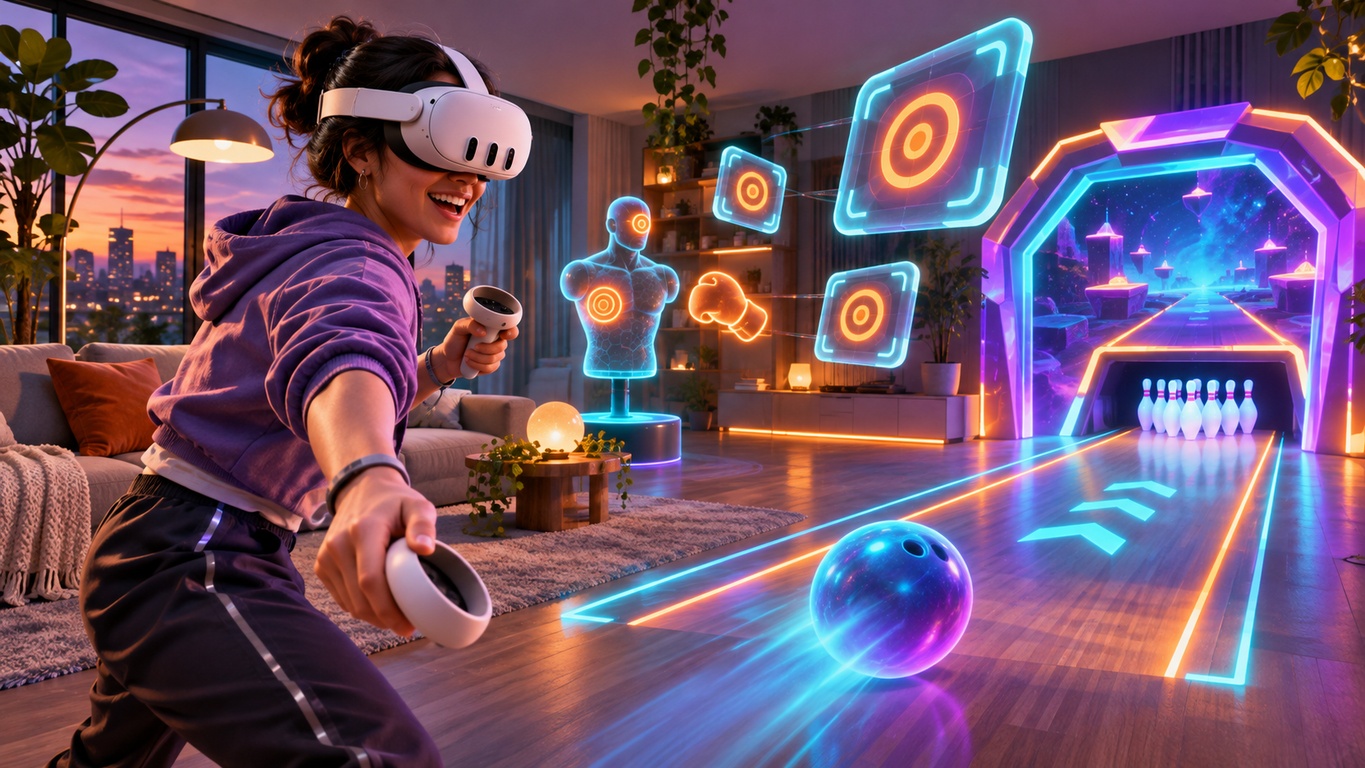
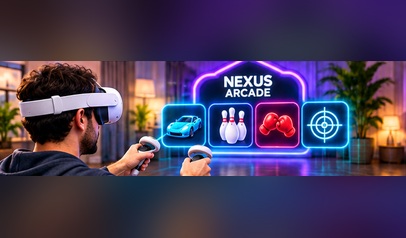
Nexus Arcade is designed for both Quest 3 and Quest 3S. Its free download includes Turbo Tracks racing, Tenpin bowling, boxing mitt challenges and Blast Arena target shooting. The individual modes still have their own controls and play-space needs.
Sharing a processor does not guarantee identical frame rates in every application. Developers can adjust rendering and performance for different devices, and display resolution affects what the hardware must draw.
2. Lenses and Display Clarity: Quest 3 Has the Edge
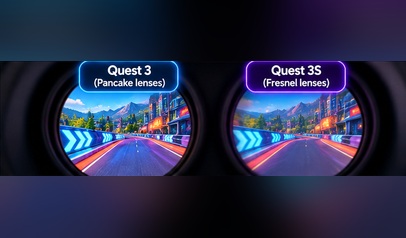
The biggest everyday difference is how the picture looks. Quest 3 uses pancake lenses and displays 2064 × 2208 pixels per eye. Quest 3S uses Fresnel lenses with 1832 × 1920 pixels per eye.
Pancake optics generally make it easier to see a clear image across more of your view. On Quest 3S, you may need to position the headset more carefully to find the sharpest area. That matters when reading small menus, checking a score or following targets near the edge of your vision.
Meta also lists a wider horizontal field of view on Quest 3: 110 degrees compared with 96 degrees on Quest 3S. The 3S remains capable of enjoyable mixed-reality play, but Quest 3 offers a more expansive, clearer view.
3. Passthrough and Depth: More Similar Than You Might Expect
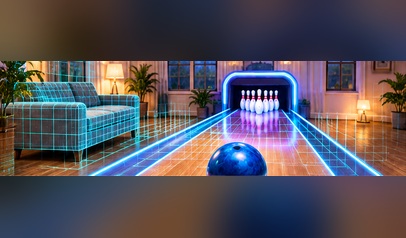
Both headsets show your surroundings using colour stereoscopic passthrough. Meta lists 4MP, 18-pixels-per-degree passthrough for each. The difference in perceived clarity is therefore not simply a question of one having a much better colour camera; the displays and lenses matter too.
Quest 3 includes a dedicated depth sensor, whereas Quest 3S does not. Depth information can help compatible applications reason about nearby surfaces, but the presence of a sensor does not mean every game automatically uses it or places objects perfectly.
For players, the useful question is whether the virtual content feels stable and comfortable in their room. In Nexus Arcade's Tenpin, you interact with a virtual lane and pins while seeing the surrounding physical space. Neither headset replaces the need to check where real furniture is.
4. Fit, Controls and Play Space Still Matter
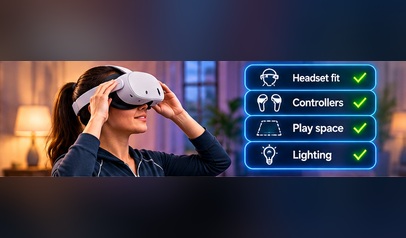
Quest 3 offers a continuous lens-spacing adjustment, while Quest 3S uses three preset positions. Whichever model you use, spend time adjusting the headset until text looks as clear as possible. Comfortable fit and the correct eye position can make a bigger difference than changing an in-game graphics setting.
Quest 3S also includes an action button for switching into passthrough. Both devices support the familiar Touch Plus controllers, but each game's interaction method varies. Do not assume hand tracking is available in every title simply because the headset supports it.
Before active boxing or bowling, clear obstacles and check your boundary. Passthrough remains a camera view, not natural sight. Our mixed-reality room setup guide covers lighting, furniture and safe movement.
5. What Developers Must Consider Across Both Devices
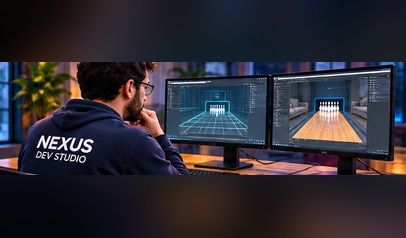
Supporting two headsets involves more than checking a compatibility box. Developers have to consider readable text, target size, controller interaction, placement, visual performance and comfort. A tiny button that looks obvious through one lens may be harder to spot through another.
Room-based games also need to work in different home layouts, lighting conditions and playing positions. The aim is not necessarily identical graphics everywhere; it is a consistently understandable experience.
Nexus Dev Studio, the development team behind Nexus Arcade, works on VR and mixed-reality experiences where testing spatial interactions on the intended headset is part of the design process. This is why real-device testing matters as much as impressive promotional screenshots.
6. Which Headset Should You Choose for Mixed Reality?
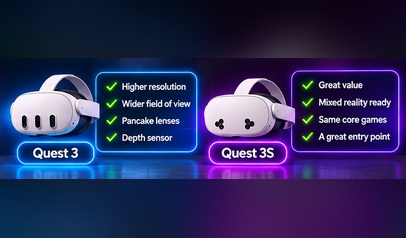
Choose Quest 3S if you want an accessible entry into standalone Quest gaming and are happy with its narrower view and simpler optics. It can run the same supported Nexus Arcade experiences as Quest 3.
Choose Quest 3 if sharper text, clearer edge-to-edge viewing and a wider field of view are especially important to you. Its dedicated depth sensor may also be relevant to particular mixed-reality applications, although support depends on the software.
Already own either headset? There is no need to change devices just to try the arcade. Start with our Nexus Arcade beginner's guide, then select the experience that interests you most. For current specifications, consult Meta's official headset comparison.
The best headset is the one that fits your budget, comfort and priorities. Quest 3 offers a clearer, wider view; Quest 3S still brings the core mixed-reality arcade experience into your home. Make your choice based on how you want to play, not just the highest number on a specification sheet.
Ready to try four games in one? Get Nexus Arcade free on the Meta Horizon Store for Quest 3 or Quest 3S and explore racing, bowling, boxing and shooting from your own room.